One Click Solution to Color Management in After Effects.
We’ve all been there: a client asks to change a specific shade of blue, but that blue is hidden inside 10 different pre-compositions, shape groups, and nested effects. Colors Master was built to end this frustration by bringing every single color in your project to the surface.
How It Works ?
Scenario 1: The Quick Fix
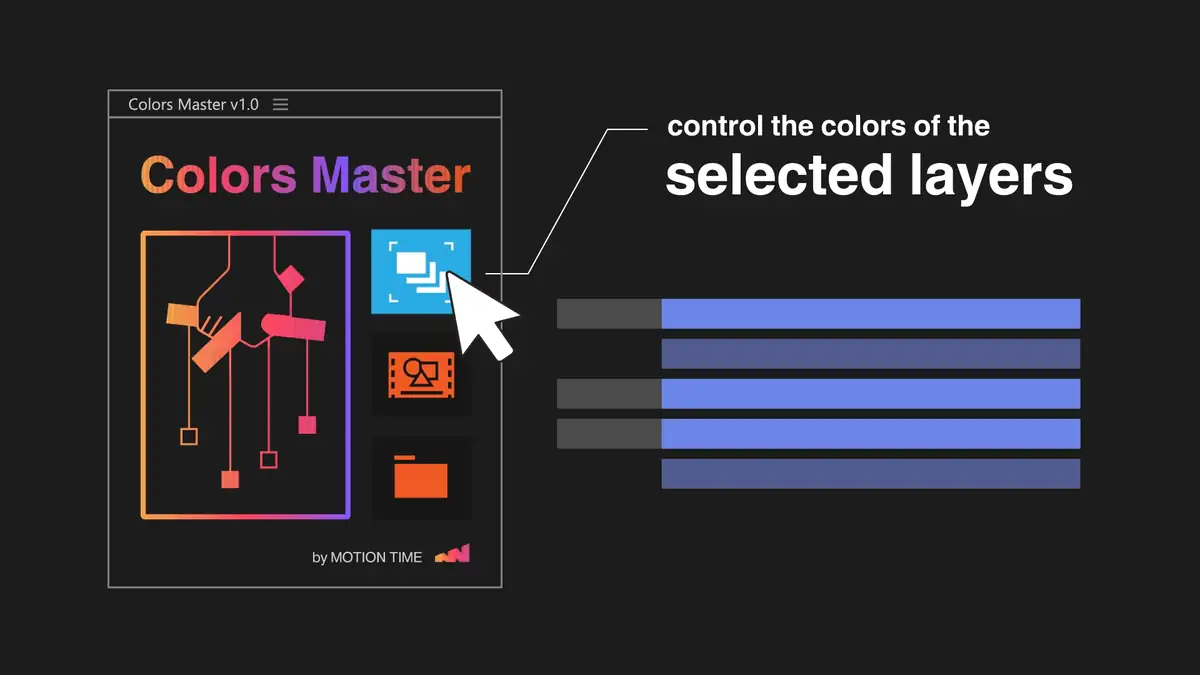
Imagine you’re working on a character, and you just want to experiment with the color of their outfit without touching the background. Instead of clicking through every shape layer and effect, you simply highlight the character's layers and hit the first button. Instantly, a control panel appears right on the layer, giving you total command over those specific colors without the clutter.
If you want to expand your control to everything in that specific scene, the middle button does the heavy lifting for you, gathering every color in the composition into one master controller.
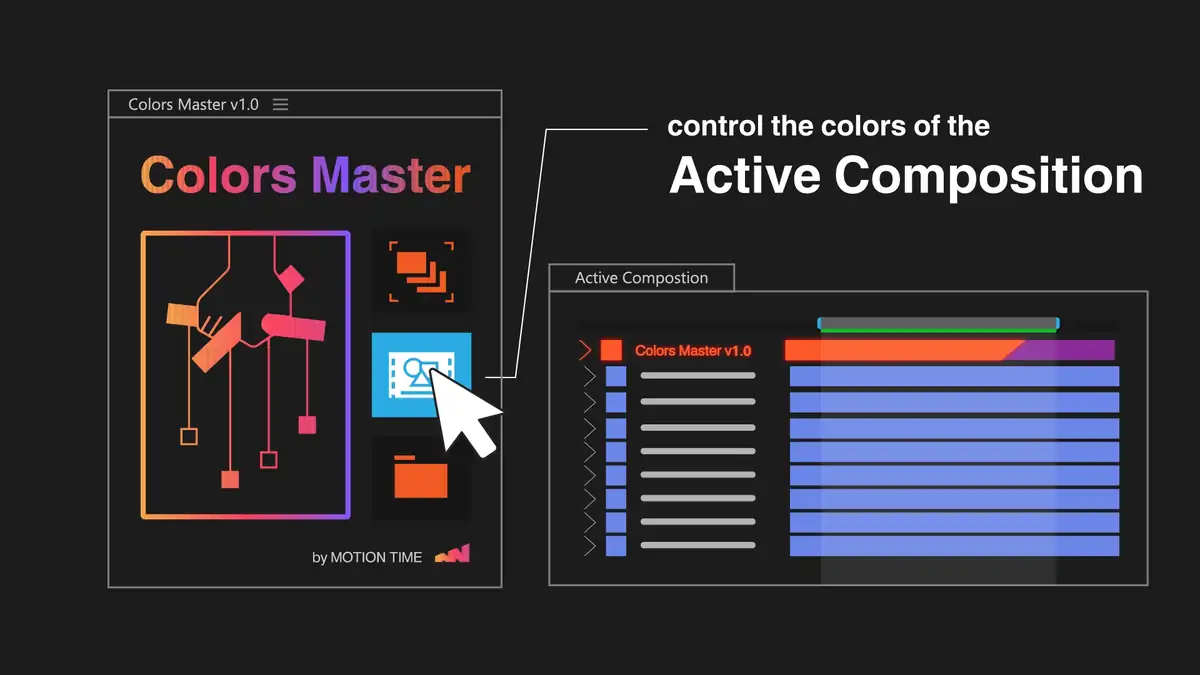
A real-world example: Managing an entire scene with Active Comp mode.
Scenario 2: The Rebranding Nightmare
You’ve finished ten different scenes for a project, and the client suddenly decides their brand "blue" needs to be a "purple." Ordinarily, you’d have to open every single composition, find the right layers, and manually change them one by one. With Colors Master, you don't even have to leave your main window. You click the third button, and the script builds a "Command Center" for your entire project. You change that blue once in the master dashboard, and it instantly ripples through all ten scenes, updating every folder and pre-comp in a heartbeat.
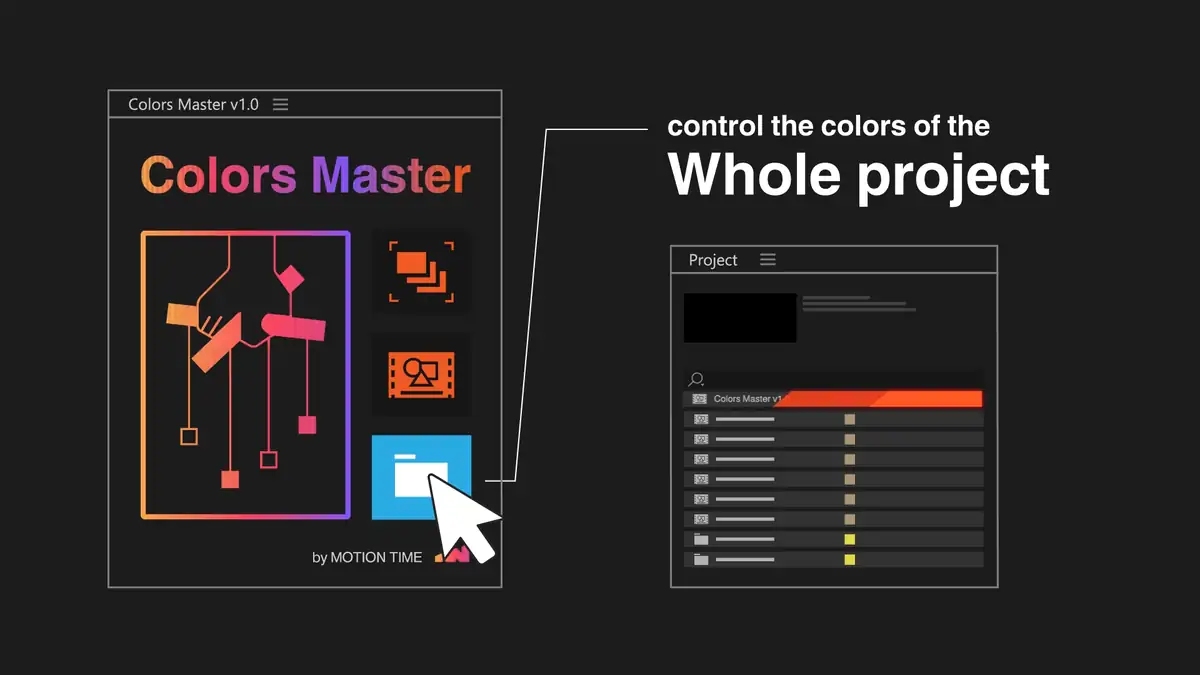
A full-project example: Running the script to scan every composition.
Technical Breakdown (For Developers)
The Challenge: Manual Color Management
In large-scale motion graphics projects, managing brand colors across hundreds of layers and nested compositions is a notorious bottleneck. Manual linking via expressions is time-consuming and prone to human error, especially when client feedback requires global color shifts late in production.
The Solution: Automated Centralization
Colors Master was developed to solve this by scanning the entire project and 'surfacing' every color property to a single, intuitive control panel. It automates the creation of adjustment layers and establishes dynamic expression links instantly.
- Smart Scanning: Automatically detects Fills, Strokes, and Color Control effects.
- Three-Tier Logic: Provides flexibility to manage colors on a per-layer, per-comp, or project-wide basis.
- Automatic Cleanup: Resets stale expressions and removes redundant control layers before re-running.
- Dockable ScriptUI: Features a responsive layout that integrates seamlessly into the After Effects workspace.
Impact & Efficiency
By automating the setup of a Master Color Comp, this tool reduces the 'prep time' for color-heavy projects by approximately 80%. It allows artists to focus on animation while the script handles the technical overhead of property linking and hierarchy management.
The Technical Challenge: Deep Composition Nesting
In production, colors are often buried deep within pre-compositions and groups. Manual updates require diving into multiple levels of hierarchy. This tool was built to 'flatten' that complexity into a single UI without destroying the project structure.
Core Logic: Recursive Property Hunting
The engine of Colors Master uses a recursive function to traverse every layer, effect, and shape group in a composition. It intelligently identifies color properties (Fills, Strokes, and Effects) while ignoring unrelated data, ensuring a clean and targeted control set.
A recursive approach to ensure no color property is left behind, regardless of nesting depth.
Automation Features
- Dynamic Expression Rigging: Automatically writes expressions to link properties back to the Master Control layer.
- Layer Management: Uses 'Shy' and 'Lock' flags to keep the project clean and prevent artists from accidentally breaking the rig.
- Global Project Scan: Iterates through all items in the Project Panel to build a dedicated 'Colors Master' comp from scratch.
- Smart Cleanup: Includes an 'Undo-friendly' reset system that strips old expressions using property.expression = ''; before rebuilding.
Optimization & UX
The script includes a robust 'Reset' system. Before every run, it scans for existing 'Colors Master' compositions and control layers, deleting them and clearing their expressions. This prevents expression errors.
Garbage collection and project cleanup logic to maintain a stable production environment.
The Result
Colors Master transforms a 2-hour manual rigging task into a 5-second automated process.